iOS
QR Reflection
Reproduce physical QR codes. Cleanly.
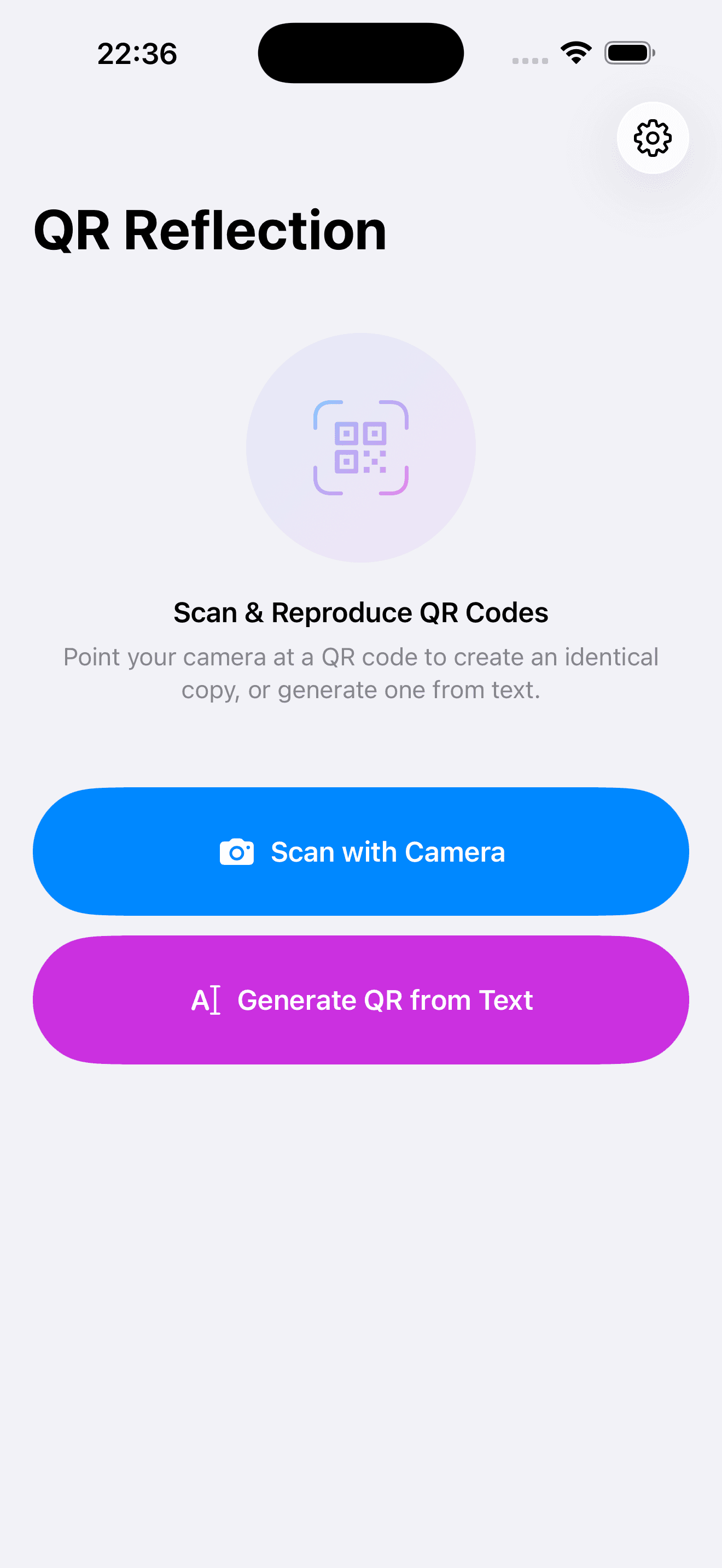
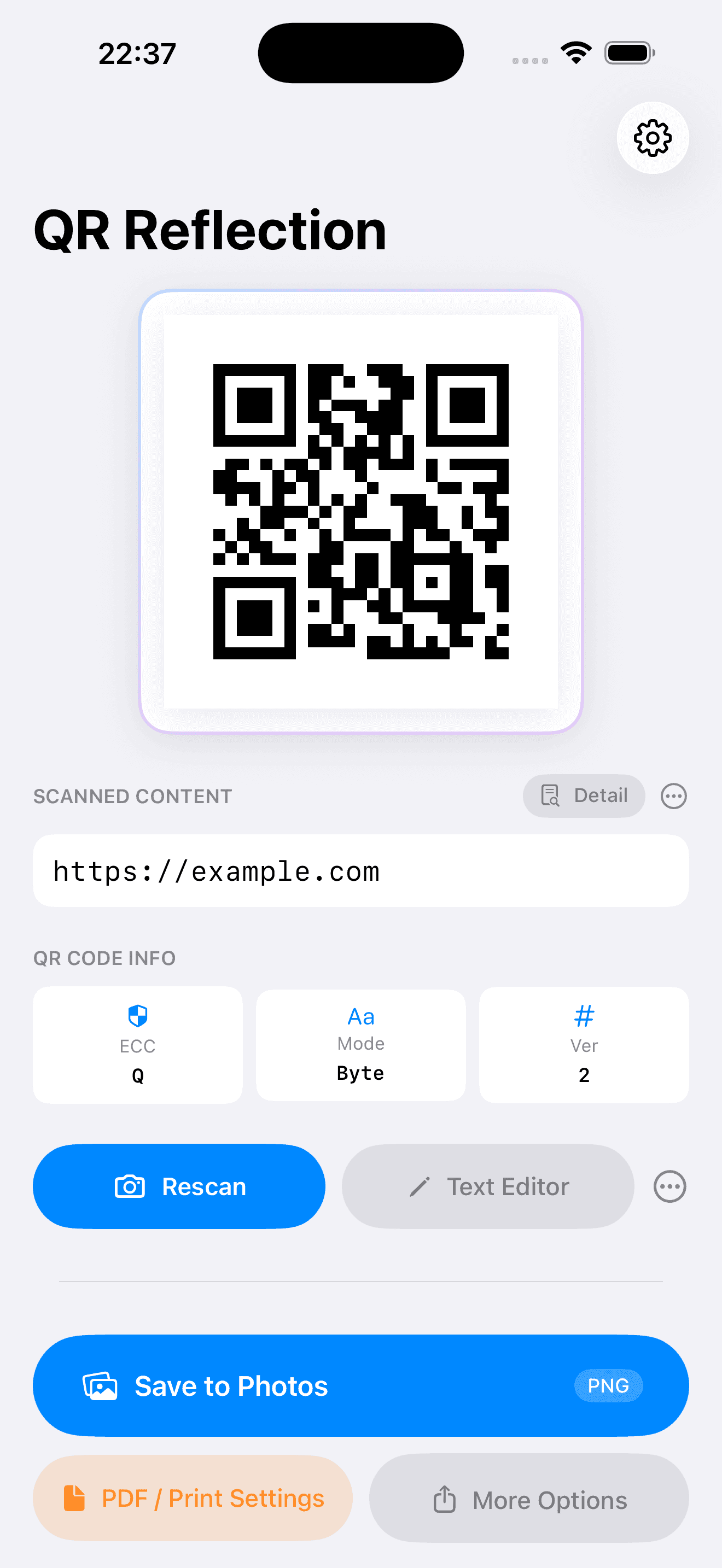
Scan a QR code stuck on a desk, wall, or label — then regenerate it from the scanned data to produce a clean, high-quality duplicate that a photocopier can't match. Save the result as a PNG, or print it with a text label via AirPrint.
Screenshots
Features
High-Quality QR Duplication
Regenerates the QR code from scanned data rather than copying pixels — the result is sharper and cleaner than any photocopier.
PNG / SVG / PDF Export
Save the generated QR code as a PNG, SVG, or PDF directly to your photo library or the Files app.
AirPrint Printing
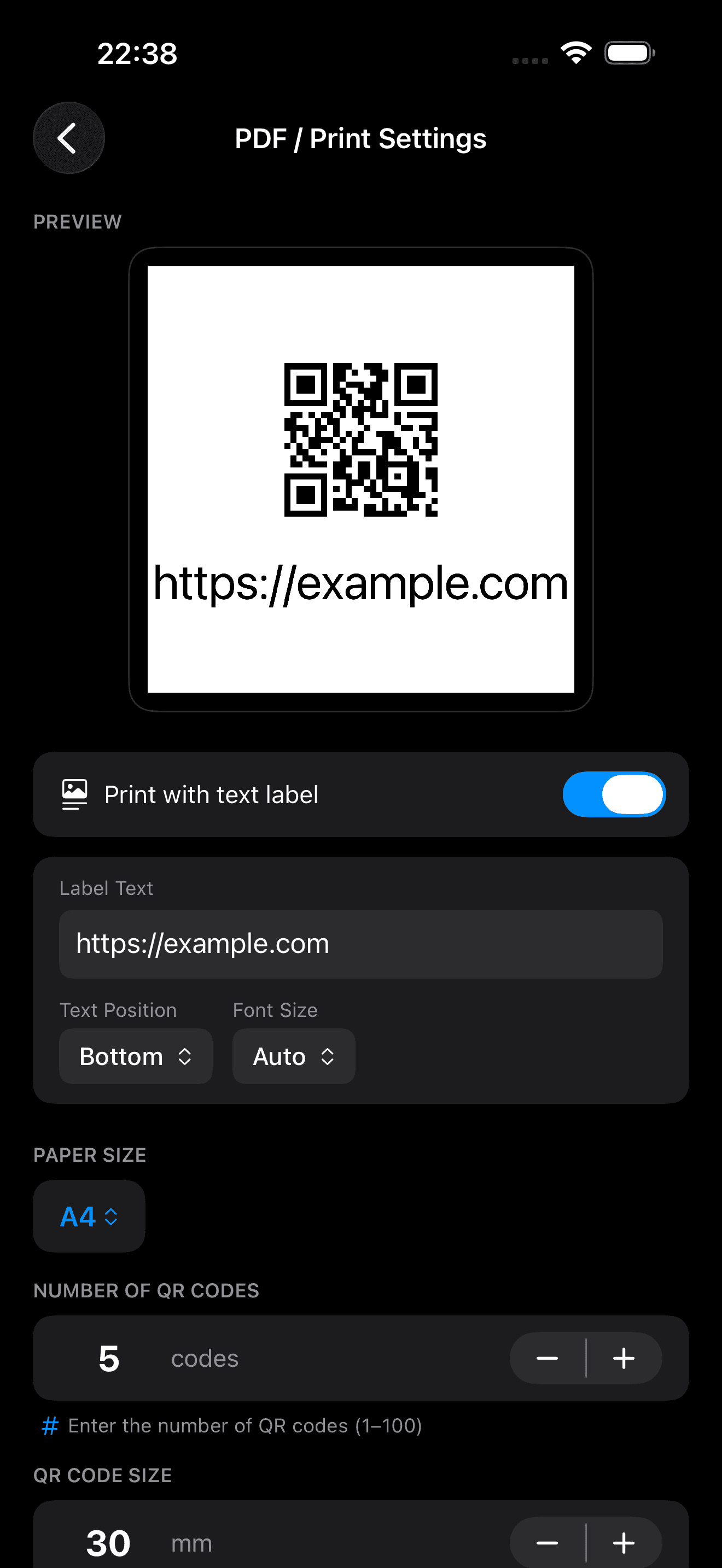
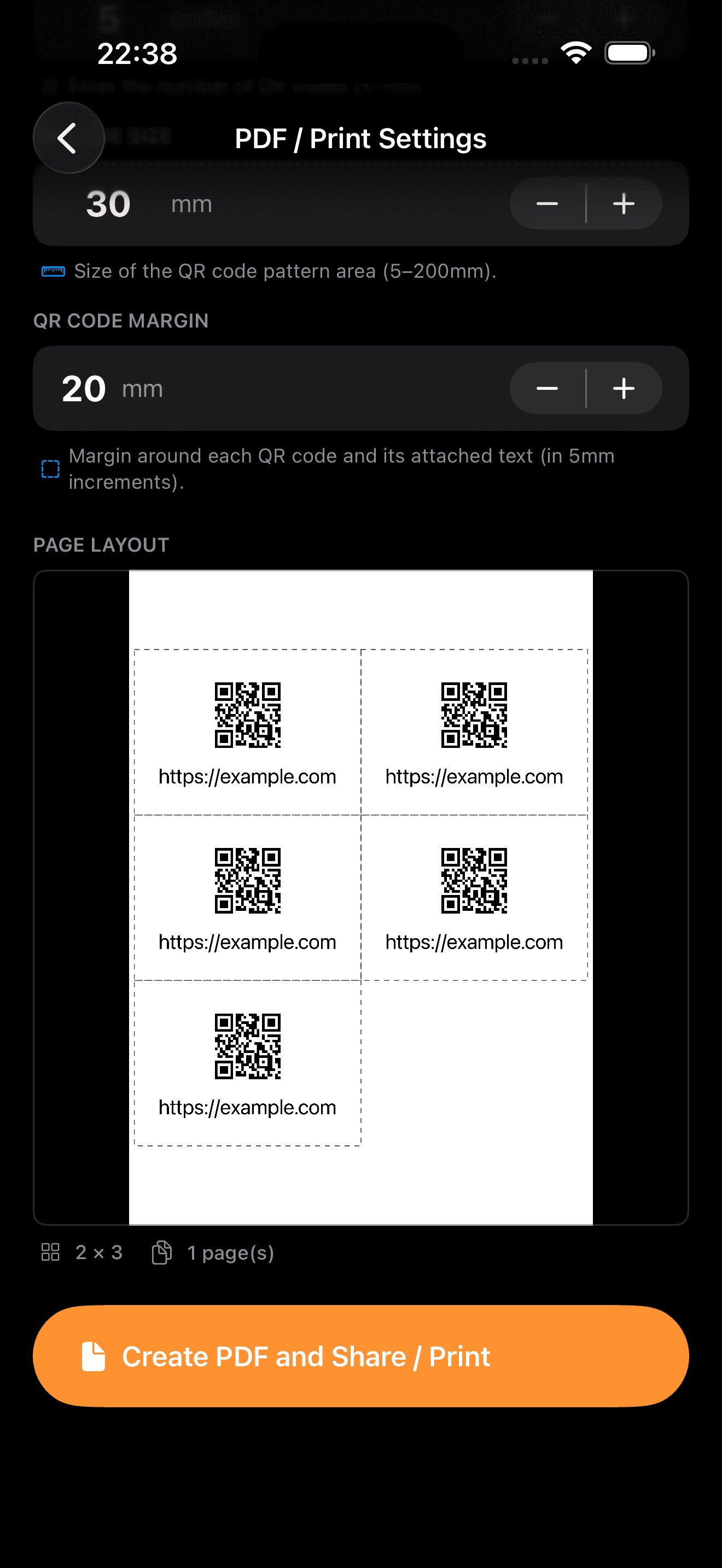
Add a text label and print the generated QR code directly from the app to any AirPrint-compatible printer.
Module Editor
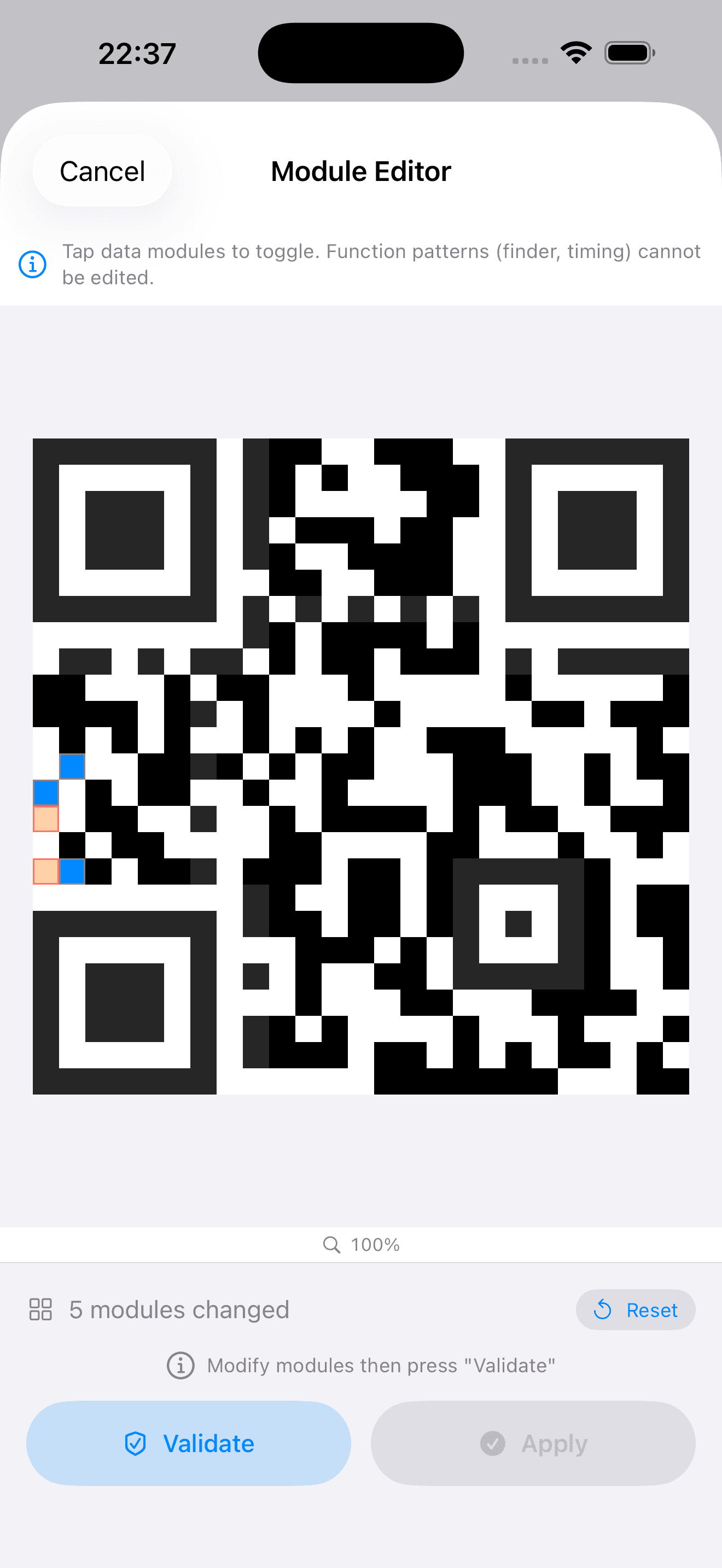
Edit the ECC dots (swapping black and white) to make the QR code match the original shape.
No Ads, No Tracking
No banners, no pop-ups, no tracking — nothing to interrupt the task at hand.
Limitations
- —Scans one QR code at a time
- —Module color is standard black only (no custom colors)
- —Embedded-image (design QR) codes are not supported
Privacy information for this app